

Parent guide
Free worksheet generator for parents — printable PDF ideas
Learn how a free worksheet generator helps busy parents print age-fit PDFs for Nursery to Class 3 — start with free samples, then unlimited sheets in Homework Buddy.
A worksheet generator saves parents from hunting random PDFs every evening. Instead of scrolling endlessly, you choose class, activity, theme, and time — then print one calm A4 page your child can finish.
Start free on this site: download ready-made sample PDFs from the class hubs, or try the free printable worksheet generator in your browser for one quick sheet tonight. Those crawlable samples show layout and difficulty before you commit ink.
When you need unlimited themed PDFs — animals reading, festival colouring, Hindi tracing, maths word problems — Homework Buddy on Google Play and the App Store maps class + activity + theme into a print-ready file with preview.
Good generators respect attention spans. A 15-minute sheet with clear instructions beats a dense packet that causes stress. Match Nursery to Class 3 carefully; school labels like LKG and UKG map to Jr KG and Sr KG on our hubs.
Teachers and parents can share free sample links for take-home practice, then point families to the app only when they want fresh variations. Free samples answer the search; the app is the next step for volume.
When you evaluate any worksheet generator, check: class fit, theme variety, printable quality, preview before print, and whether kids can finish without tears. Use the free library here as your quality bar.
Free sample PDFs to download first
Preview and print one sheet tonight — then generate unlimited PDFs in the app.
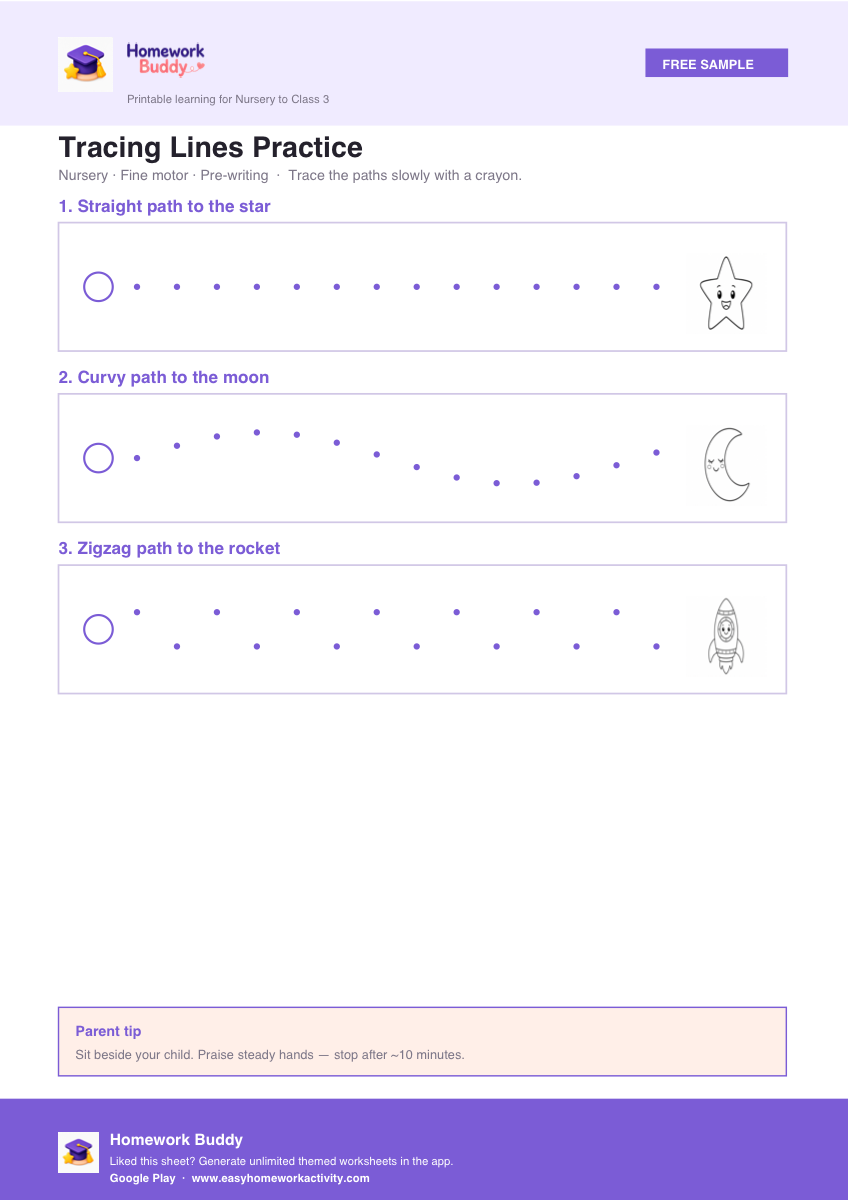
Tracing Lines Practice
Free PDF →
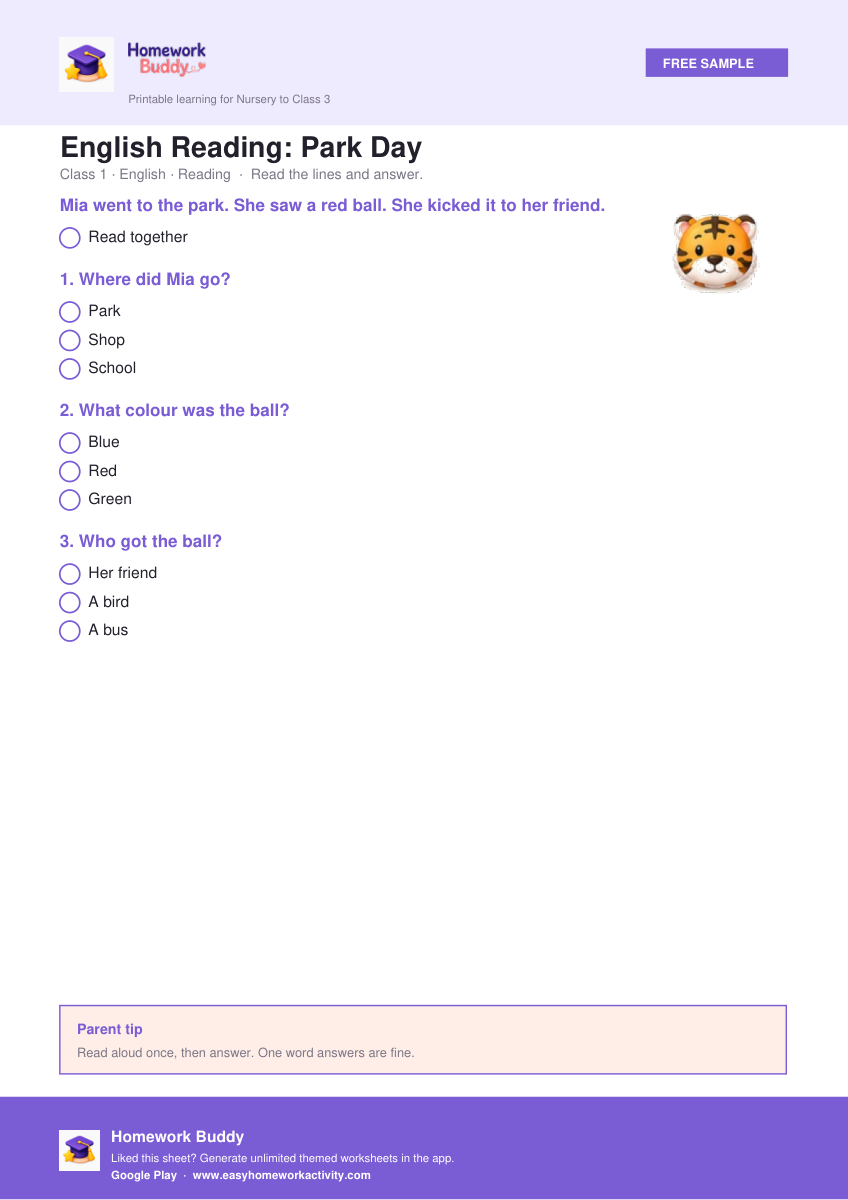
English Reading: Park Day
Free PDF →
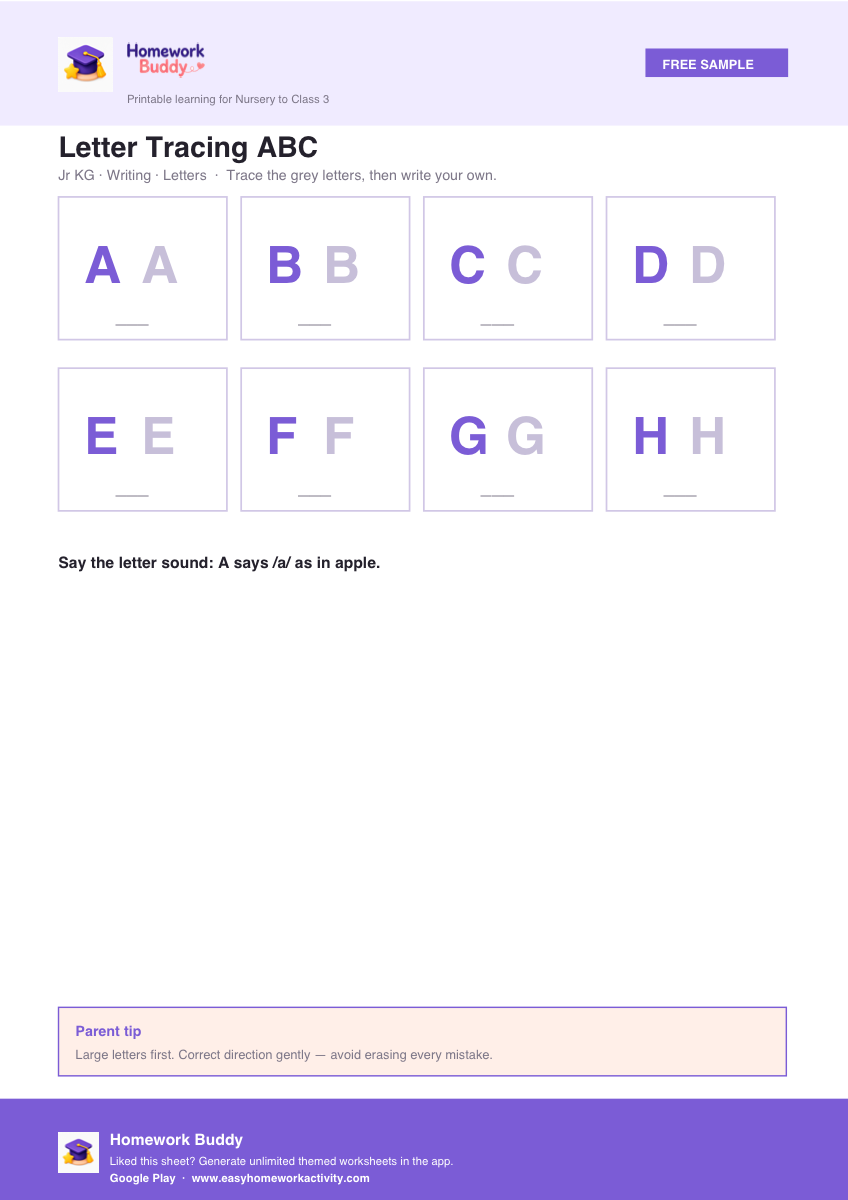
Letter Tracing ABC
Free PDF →
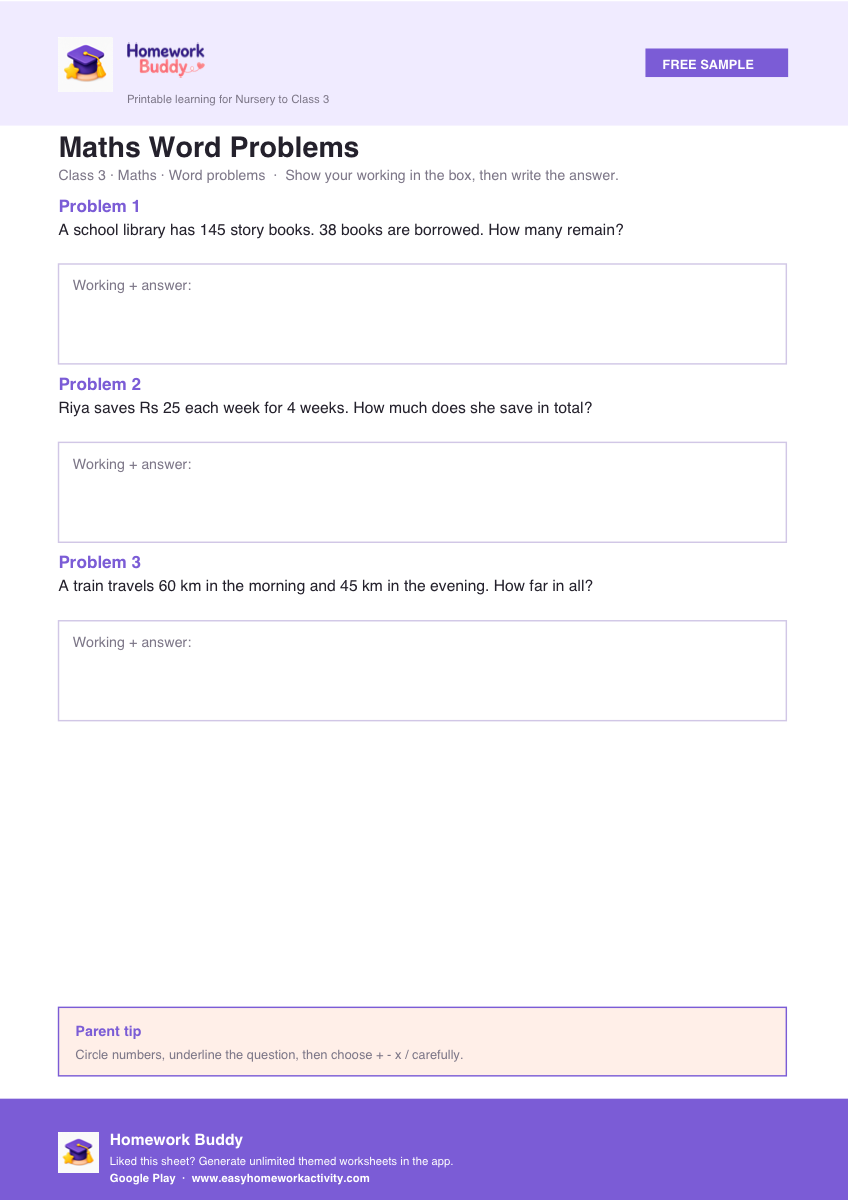
Maths Word Problems
Free PDF →
Browse all free printable worksheets · Free printable worksheet generator
How Homework Buddy generates sheets
Same flow as the free samples on this site — pick options, preview, print.
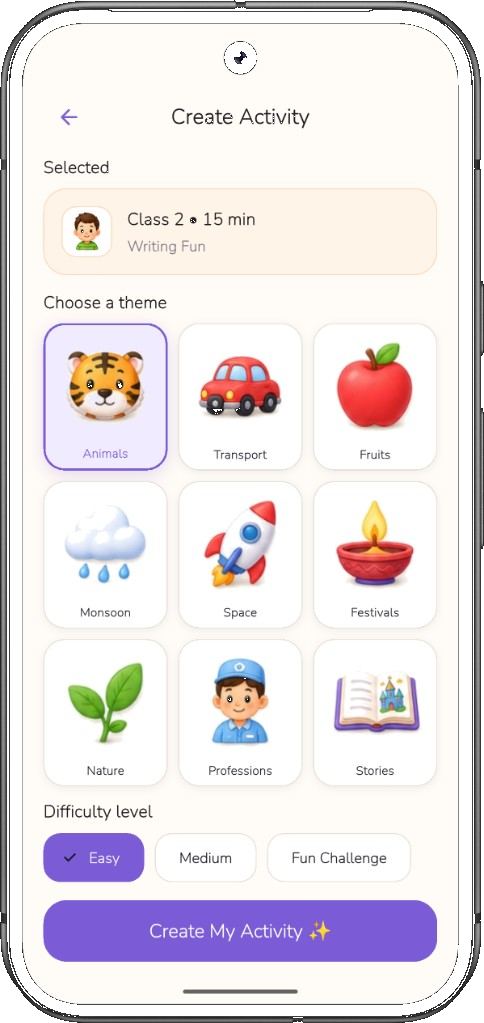
Choose class, activity & theme
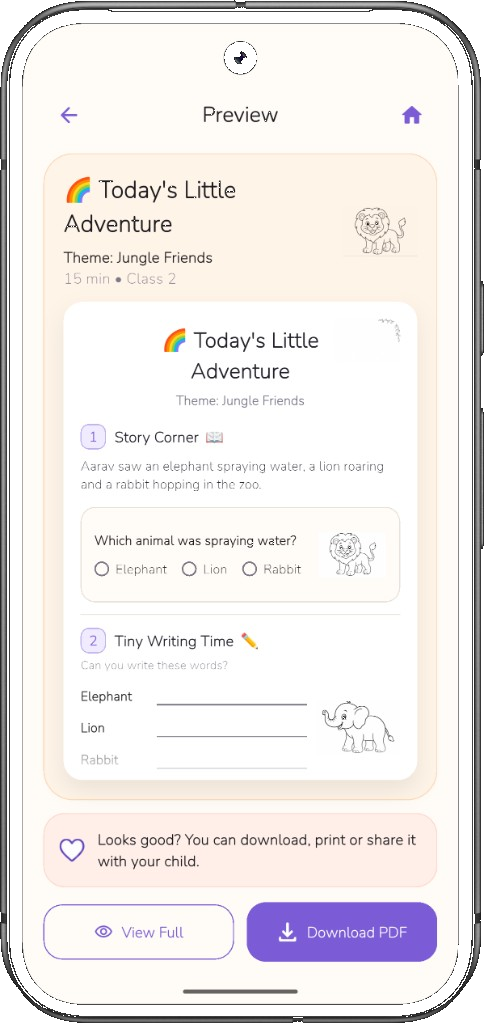
Preview before you print
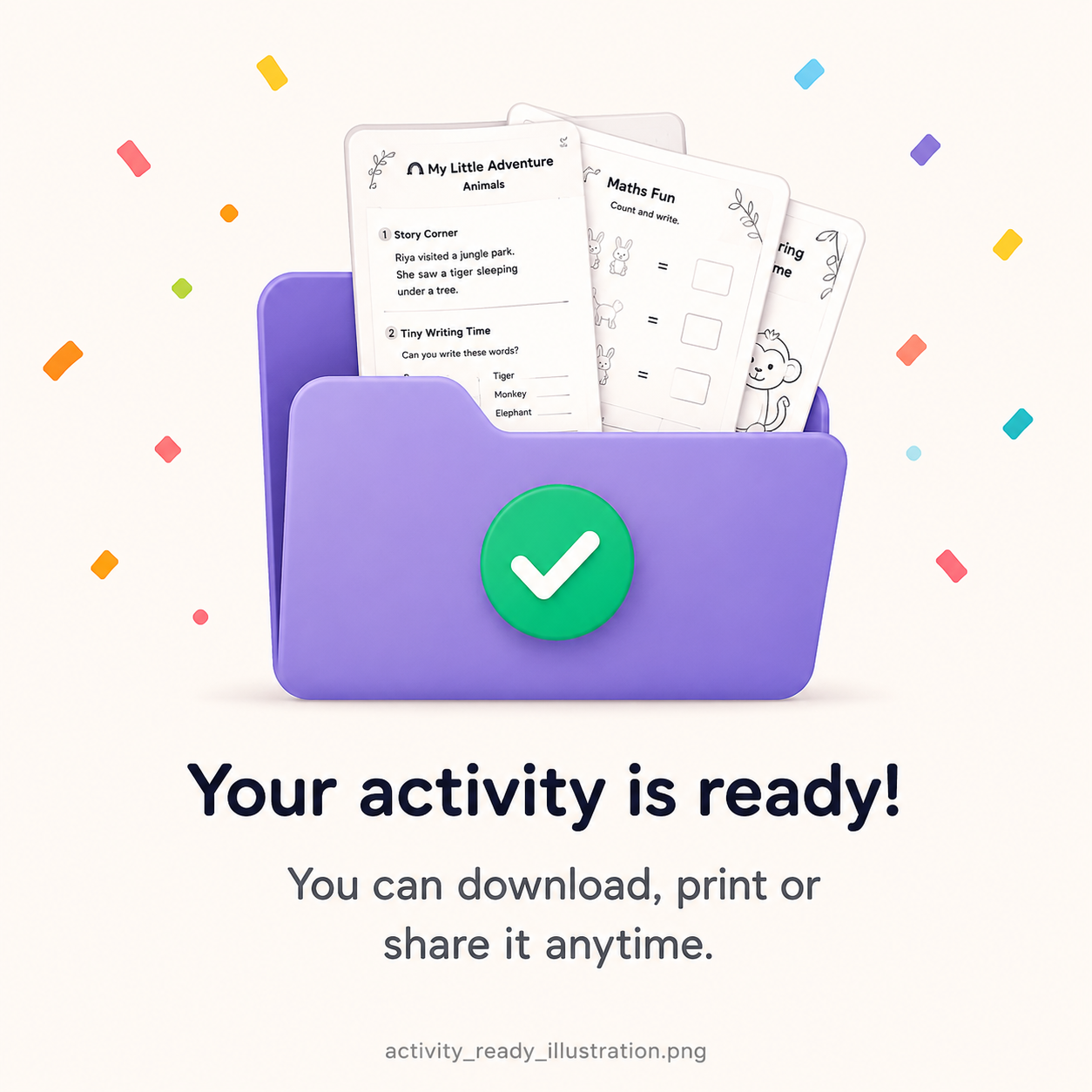
Download print-ready PDF
Want one free sheet right now? Try the free printable worksheet generator — then get the app for unlimited themed PDFs.
Free samples first, unlimited sheets second
Search intent for “worksheet generator” usually means a parent needs something printable tonight. Answer that with a free sample PDF or the browser free printable worksheet generator on this site before asking anyone to install an app.
Ready-made samples — Nursery tracing, LKG letter practice, UKG CVC, Class 1 reading, Class 2 maths, Class 3 paragraphs — are crawlable, shareable, and previewable. They set the quality bar for anything you generate later.
Homework Buddy is the unlimited step: class + activity + theme into a fresh A4 PDF with preview on Google Play and the App Store. Free library first; app when you need volume.
PDF libraries vs generators vs school photocopies
Random PDF websites give you volume, not fit. Your child might get Class 3 word problems when they are in Jr KG, or tiny fonts that need a tutor to explain. School photocopies are trusted but static — the same addition drill every week.
A class-aware worksheet generator lets you choose Nursery through Class 3, pick reading or maths, add a theme your child already likes, and print something finishable in one sitting. You trade endless scrolling for one calm decision.
Neither replaces school or conversation. Generators work best when you preview the page, sit nearby for the first five minutes, and stop while energy is still good.
Checklist: is this sheet age-fit?
Can your child read the instructions with at most one sentence from you? Are writing lines large enough for their grip? Is there white space, or a wall of 40 identical sums?
Does the theme match something they care about this week — animals, festivals, transport — so the sheet feels familiar?
Can it realistically finish in 10–20 minutes at your child’s current pace? If not, print half a page or pick an easier class band.
When an app beats another hour of searching
It is 8:15 p.m., tuition just ended, and tomorrow’s school notebook says ‘practice reading.’ Searching ‘Class 1 reading worksheet PDF’ returns dozens of unrelated files.
Homework Buddy on Android and iOS maps class + activity + theme + time into one print-ready PDF. You preview on the phone, print on A4, and start — same quality as the free samples on this site.
Use the web samples here to judge layout and difficulty; use the app when you need a fresh variation without opening ten browser tabs.
How to use this guide
- Browse a free sample PDF for your child’s class first.
- Decide the skill you need tonight (reading, maths, Hindi, tracing).
- Pick a theme your child already likes.
- Generate or download one sheet; preview before printing.
- Get the app only when you need unlimited fresh PDFs.
Frequently asked questions
What is the best free worksheet generator for Class 1–3?
Start with free printable samples and the browser generator on this site, then use Homework Buddy for unlimited class-aware PDFs on Android and iOS.
Are AI worksheet generators safe for young kids?
Use parent-controlled tools, preview every page, and keep sessions short. Avoid anything that replaces conversation with endless drills.
Can teachers use this worksheet generator guide?
Yes — share free sample PDF links for homework, then suggest the app for families who want unlimited themed practice at home.
Other tools: Free printable worksheet generatorReading GeneratorMaths Worksheet Planning GuideHomework Planner
Educational disclaimer: General parent guidance. Follow your school curriculum. Get the app